Posted on — Leave a comment

Why Website Speed Matters More Than Ever

In today’s fast-paced digital world, website speed plays a major role in online success. Users expect websites to load quickly and respond instantly. When a website is slow, visitors are more likely to leave before exploring the content, products, or services.

Website performance is no longer just a technical concern. It directly impacts user experience, search visibility, conversions, and business growth.

Why Is Website Speed Important?

A fast website creates a smooth browsing experience. Visitors can quickly access information, navigate between pages, and complete actions without unnecessary waiting.

For businesses, this can mean more engagement, more enquiries, and better conversion opportunities.

1. Better User Experience

Nobody likes waiting for a website to load. A fast and responsive website keeps visitors engaged and makes it easier for them to find what they need.

A good user experience also helps create a positive impression of your brand.

2. Better Search Engine Performance

Website performance is an important part of modern SEO. Search engines aim to provide users with high-quality experiences, and website performance can contribute to how a site performs in search.

Improving speed alongside quality content and technical SEO can help your website compete more effectively.

3. More Conversions

Whether you run an e-commerce store, service website, or lead-generation platform, speed can influence customer decisions.

A slow checkout, contact form, or product page can discourage potential customers from completing their journey.

4. Mobile Performance Matters

With a large number of users browsing from smartphones, websites need to perform well on smaller screens and varying network conditions.

A responsive website should not only look good on mobile devices but should also load and function efficiently.

5. Faster Websites Build Trust

A fast, smooth website gives visitors the impression that a business is professional and reliable. On the other hand, slow loading, broken elements, or delayed interactions can reduce confidence in a brand.

How to Improve Website Speed

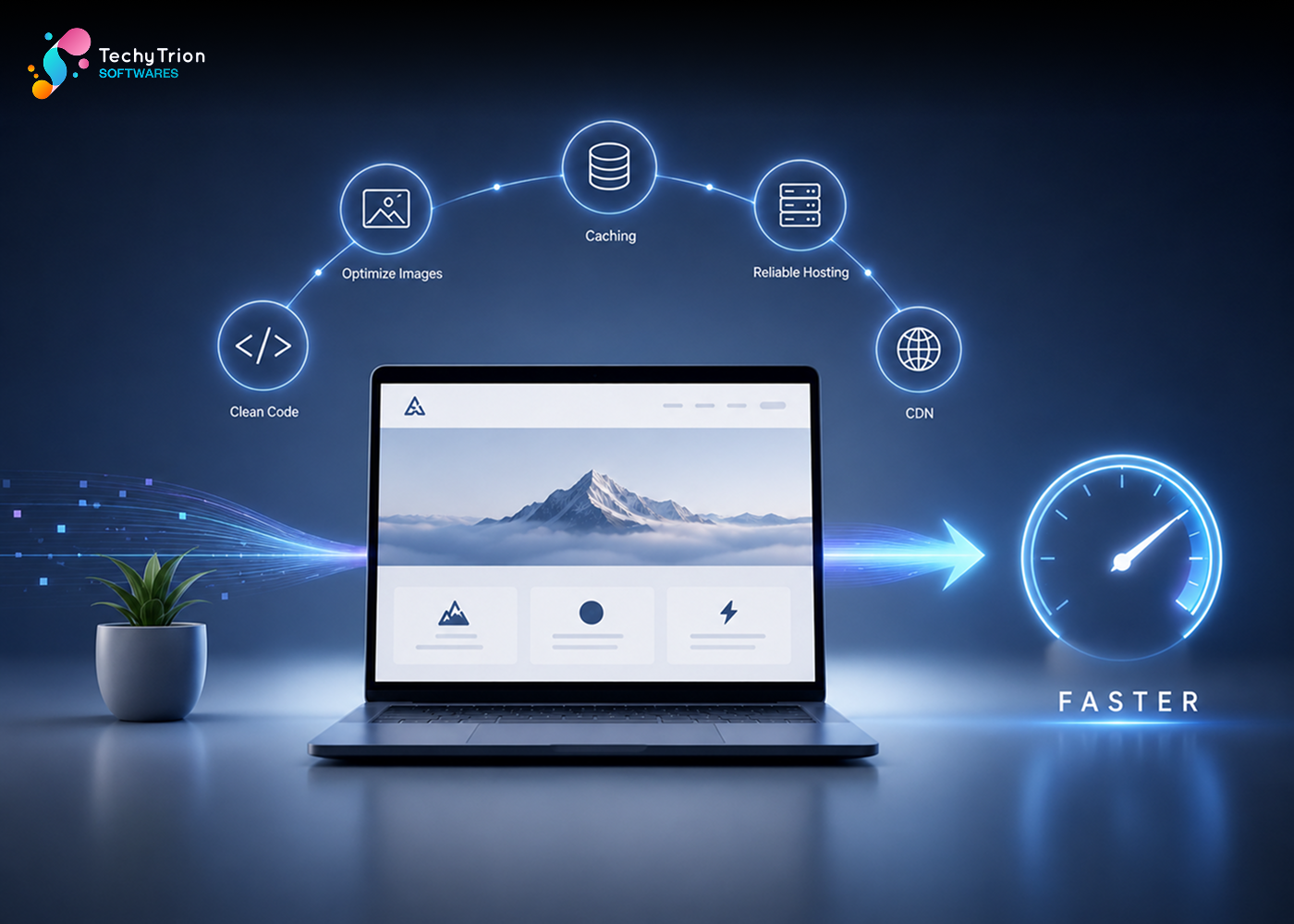
Businesses can improve website performance by:

  • Optimizing and compressing images
  • Reducing unnecessary plugins and scripts
  • Optimizing HTML, CSS, and JavaScript
  • Implementing caching
  • Using reliable hosting
  • Optimizing databases
  • Using a CDN where appropriate
  • Regularly monitoring website performance


Conclusion

Website speed is business performance. A faster website can provide a better user experience, support SEO efforts, improve engagement, and create more opportunities for conversions.

In a competitive digital landscape, every second matters. Investing in website performance today can help your business deliver a better experience and stay ahead tomorrow.

Posted on — Leave a comment

PHP Frameworks

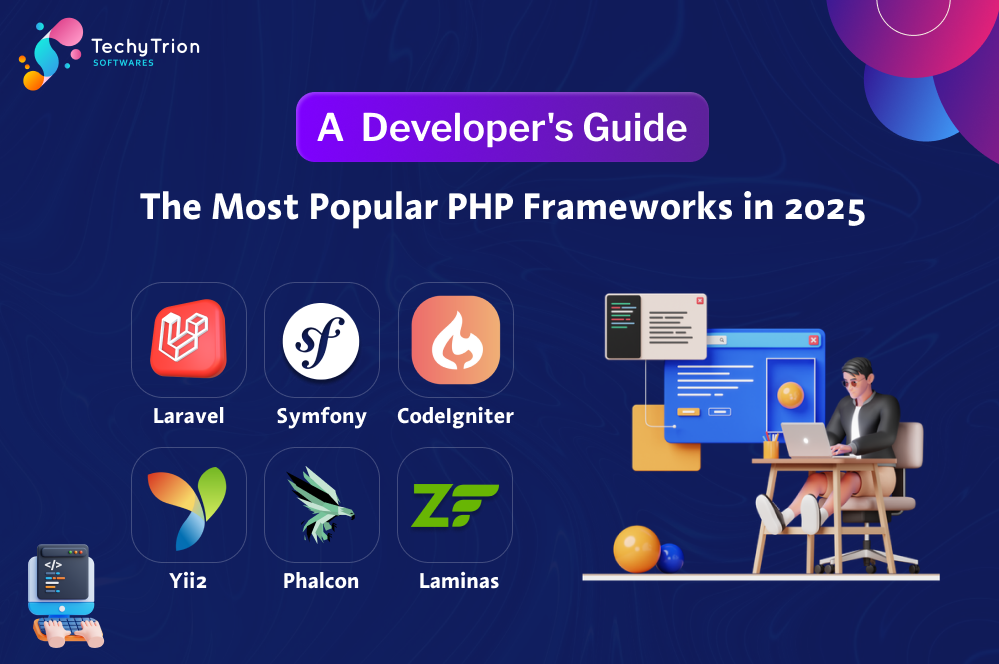
🔧 The Most Popular PHP Frameworks in 2025 – A  Developer’s Guide
PHP continues to form the backbone of a huge portion of the web, from personal blogs to enterprise-grade applications. Granular PHP has its benefits, but developers much prefer using frameworks to provide structure, speed, and built-in capabilities to make common tasks easy. Over the years there have been several PHP frameworks that have distinguished themselves from the pack – designed primarily for different types of developers and their choices for projects.

In this blog we will examine the most used PHP frameworks in 2025, what makes them great, and why they’re so widely adopted by developers across the world.

Laravel – The Developers Choice
Laravel is still the most popular PHP framework – and for good reason. With its elegant syntax, modern features, and established project support, Laravel has become the framework of choice for developers due to the speed of building quality web applications quickly. Whether it’s building a start-up MVP or an enterprise application, Laravel provides tools that allow for seamless development – routing, caching, authentication, and testing are all seamless and secure.

With its Blade templating engine, front-end development is a more seamless process, and Laravel’s Eloquent ORM also allows for more intuitive work with databases. And that’s before we mention some of the tools in the Laravel ecosystem like Laravel Forge for deployment, Laravel Nova for admin panels, or Laravel Vapor for serverless hosting. It’s not just a framework, it’s a real development platform.

Symfony – The Enterprise Standard Symfony is a very mature and flexible PHP framework. Symfony is very powerful and was developed to be flexible and scalable. Symfony can be more complicated than Laravel, however, the tradeoff is more power and flexibility. Symfony is a component-based framework, so you can use only what you need, so you can also use Symfony components in other frameworks/applications.

Many major frameworks (e.g., Drupal, and Magento) are built on Symfony. Symfony is also very popular in the enterprise; where long-term dedicated maintenance, performance, and security are key. Symfony has committed to very strict coding standards, and provides some of the best testing, configuration, and extensibility support in the industry. For larger, mission-critical applications, Symfony is arguably the best choice.

CodeIgniter – Simple and Lightweight
If you are looking for a simple, fast, and easy-to-understand framework, CodeIgniter has been a popular framework for many years. It has always been popular with beginners and team developers developing small projects, and for those who have deadlines they need to meet. With CodeIgniter, you do not need to worry about making a commitment to a larger framework that you may not fully perform coding style.

Speed is the largest benefit CodeIgniter offers. It is a light-weight framework that has very few elements needed to configure, and it runs well, even on the bare minimum of shared hosting. Just because it does not have some of the newer tools available in Laravel and Symfony does not mean that CodeIgniter can not be used. For projects of this size, speed,
low overhead is a benefit, making it a plausible option for quite a few different uses.

Yii2 – Combining Performance with Security
Yii2 has an excellent combination of modern features and performance. It is an ideal solution for web apps that require a strong emphasis on security, especially if it is a financial application, portal, or the backend of an enterprise application. Yii2 provides CSRF protection, XSS protection, input sanitization, and password hashing built in to completely secure your application.

One of the best features of Yii2 is Gii, a very powerful code generator that allows developers to create models, controllers, forms, and many other items. Yii2 is an excellent solution for teams that want to generate boilerplate code and speed up development. Yii2 also integrates seamlessly with all front-end libraries, including Bootstrap, providing developers with a complete end-to-end development solution.
Phalcon – Built for speed
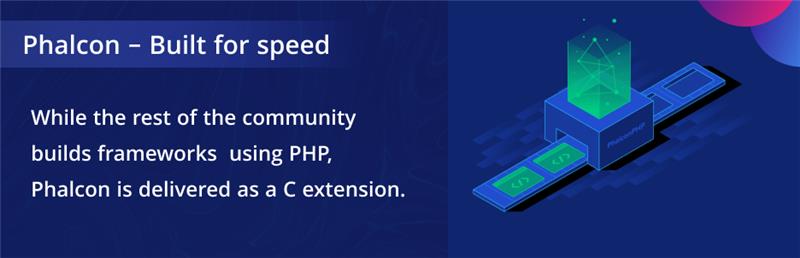
Phalcon is unique among the available PHP frameworks (don’t confuse it with frameworks like Symfony, Laravel or Codeigniter). While the rest of the community builds frameworks using PHP, Phalcon is delivered as a C extension. Because of this, Phalcon is so fast and lightweight (essentially it runs in the PHP engine). Since Phalcon applications are a C extension, the overhead of your application is extremely low, and it can serve requests at a lightning speed.

Despite Phalcon’s emphasis on speed, they have not neglected features. Phalcon supports base features such as MVC framework, ORM, templating, routing and caching – all great features for building modern web applications. However, since Phalcon is installed as a PHP extension, you may find the installation process a little more complicated than other frameworks; however, Phalcon is a very robust framework to run mission critical applications.

Laminas (Formerly Zend Framework) – Enterprise-Level Framework
Laminas, the successor of Zend Framework, is geared toward professionals and enterprise-sized applications. This framework focuses on extensibility and performance by providing a set of components that developers can use to create independently performant applications that desire fine control over extensibility and performance. Where Laminas shines is in its modularity and for catering to enterprise developer’s needs. Some of its features include dependency injection, event-driven programming, and service-oriented architecture (along with a full-blown service manager). Laminas has a higher learning curve than a framework like Laravel or CodeIgniter, but is a better option for organizations that want to pay for a scalable and maintainable solution for the long-term,  especially if those organizations are migrating from legacy Zend applications.

Slim – The Minimalist’s Favorite
Slim can be regarded as a micro-framework for the development of small applications and RESTful APIs. Slim, due to its small footprint and simple syntax, is frequently used by developers who like the control of writing their own code and do not want to be encumbered by a giant framework or inclusion of functions they won’t use. Despite its simplicity, Slim is highly extensible through middleware, and community
packages. It is an excellent option for developers building an API, microservice, or web service where speed and simplicity are more important than complexity and functionality built into the framework. If you are building small but powerful, Slim is a framework to consider.

Conclusion – Choosing the right PHP framework
As of 2025, PHP frameworks provide developers with an opportunity to build applications that are scalable, dependable, and maintainable. Each framework has different strengths, and the best framework to choose will depend upon your project needs, your team’s expertise, and the project objectives.

Laravel is a modern application PHP Framework option that includes a complete ecosystem. Symfony is still the undisputed champion of enterprise-grade applications. CodeIgniter is good for applications that are based on fast-prototyping, while Yii2 can guarantee speed, incorporating aggressive security. Phalcon ensures the best performance, Laminas can be suitable for larger organizations, while Slim is at its best for lightweight API development.

Whatever PHP framework you utilize, you will make a wise choice by implementing one; it will save you time, increase the quality of your code and allow you to produce better software.

Posted on — Leave a comment

React vs. React Native: Everything You Need to Know in 2025

Introduction
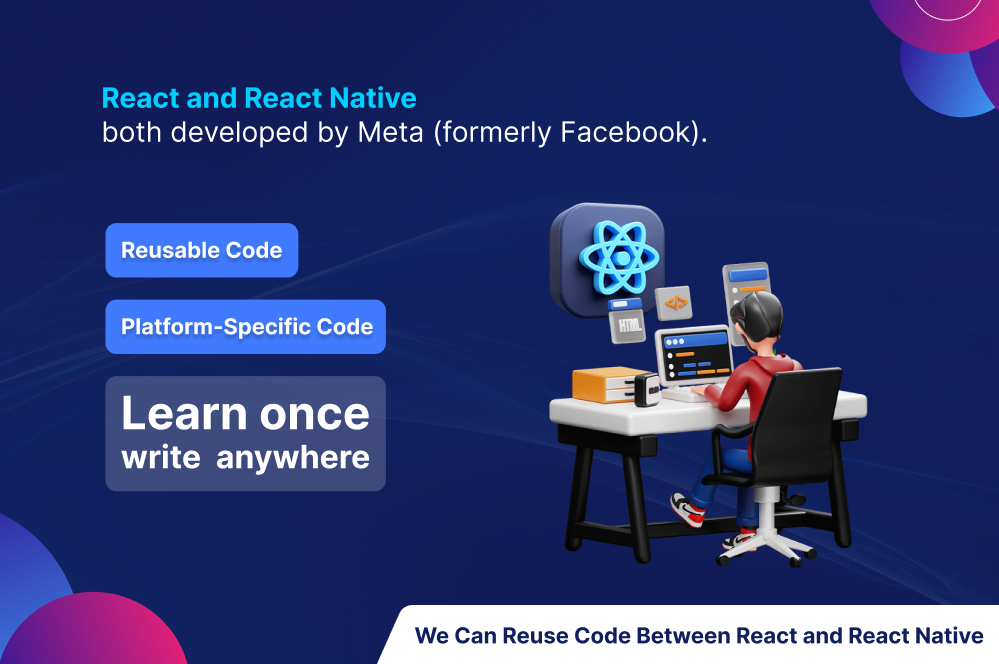
In today’s digitally-first era, businesses and developers look for efficient ways to build responsive, scalable, and modern applications. Two of the greatest technologies driving this innovation are React and React Native — both developed by Meta (formerly Facebook).

Although sharing the same fundamentals and syntax, React and React Native fundamentally have very dissimilar roles to play. In case you are confused about what to choose for your
upcoming project or you simply want to get an idea about what is different between the two, you are reading this correct blog.

What is React?
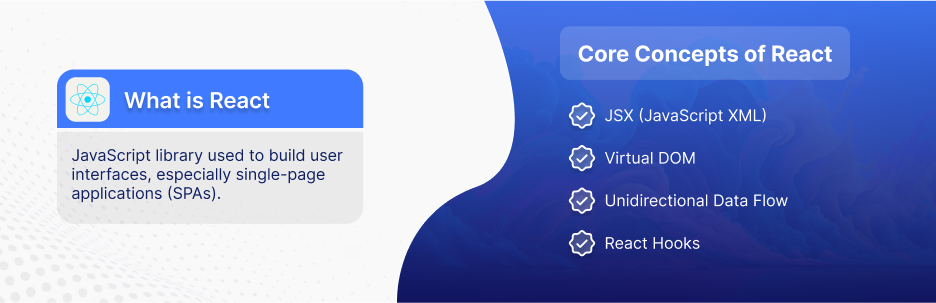
React is a JavaScript library used to build user interfaces, especially single-page applications (SPAs). It was created in 2013 and soon became the standard for modern web development.

Core Concepts of React:

  • Component-Based Architecture: Your UI is segmented into isolated, reusable components (e.g., buttons, forms, or nav bars). This keeps code organized and simple to test.
  • JSX (JavaScript XML): React utilizes JSX, where you can utilize HTML tags in JavaScript. It is easy for developers to define UI structure.
  • Virtual DOM: Instead of changing the entire web page, React changes only those areas that are different — it is more efficient and quicker.
  • Unidirectional Data Flow: One-direction data flow in React, i.e., from parent components to child components. This gives a straightforward data structure, where bugs are eliminated.
  • React Hooks: New React (since version 16.8) uses Hooks like useState and useEffect to manage state and side effects in functional components.

When to Use React:

  • Web applications (dashboards, SaaS, e-commerce sites)
  • Complex, data-intensive interfaces
  • Applications that require performance and scalability

What is React Native?
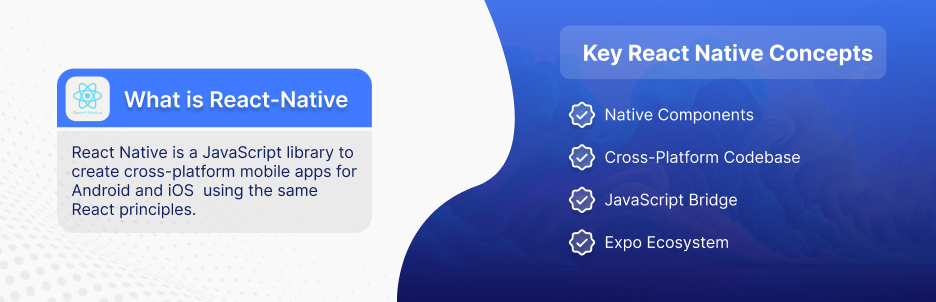
React Native is a JavaScript library to create cross-platform mobile apps for Android and iOS using the same React principles. Released in 2015, it allows developers to create mobile apps in JavaScript and React — no Swift, Java, or Kotlin needed.

Key React Native Concepts:

  • Native Components
    Instead of using HTML and CSS, React Native utilizes native UI elements compiled down from elements like <View>, <Text>, and <TouchableOpacity>.
  • Cross-Platform Codebase
    With React Native, you can write one codebase that will run on Android and iOS, reducing development time and cost.
  • JavaScript Bridge
    React Native communicates with native modules via a bridge, offering access to hardware capabilities like camera, GPS, and notification.
  • Expo Ecosystem
    Expo is an environment that’s built on top of React Native that simplifies setting up and deploying. It’s perfect for prototyping quickly or learning

When to Use React Native:

  • You want to deploy apps on Android and iOS quickly.
  • Your team already knows JavaScript/React.
  • You’re building apps that don’t require aggressive native performance (games or VR).

Can You Reuse Code Between React and React Native?
Yes — but with limitations.

  • Reusable Code: Business logic, API calls, utilities, and state management can be reused (e.g., Redux, Context API).
  • Platform-Specific Code: UI components, layout, and navigation usually differ between web and mobile.
  • Tools to Help: Monorepos (using Nx, TurboRepo) can help share code across web and mobile in one project.

Conclusion
React and React Native are both great tools that share a philosophy: “Learn once, write anywhere.” React is optimized for the web, and React Native brings the possibilities of mobile development — in JavaScript.

Once you’re comfortable with their strengths and how they’re different from each other, you can use the correct tool for the task and create fantastic apps with confidence.

Posted on — Leave a comment

Content Management Systems (CMS)

main-01-1

Introduction
The digital world demands a smart way to update and manage the content of business, blog, or any other organization. For this reason, Content Management Systems are crucial. A CMS lets users make new content or alter existing one and organize as well as publish them without even possessing technical know-how. Let us discuss benefits, types, and the top Content Management System available today.

What is CMS?
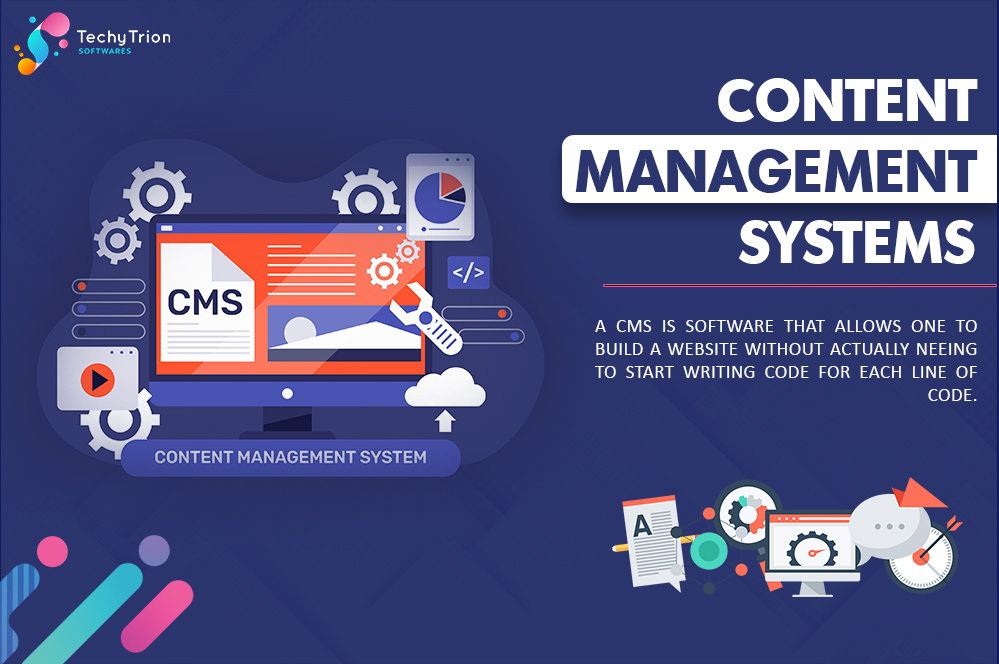
A CMS is a software that allows one to build a website without actually needing to start writing code for each line of code. The primary purpose is a user-friendly interface to build, edit, and store various digital content types including text, images, videos, and more.

Benefits of Using CMS

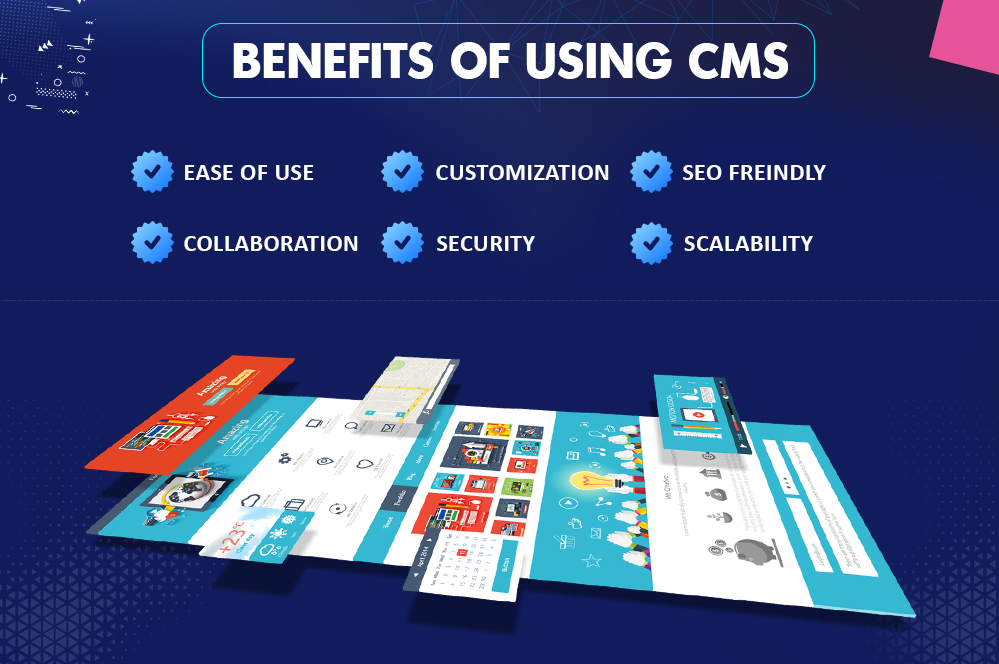
Ease of use – most of the platforms give intuitive dashboards that non-technical people find easy to operate.
Customization – Depending on the available themes and plugins, users may customize their web pages to certain needs.
Search Engine Optimization friendly – Most content management systems feature in-built search engine optimization toolkits that would improve search ranking.
Collaboration – Most CMS allows users to work at the same time in creating or editing content.
Security – They often feature automated updates and protections against cyberattacks.
Scalability – The CMS is bound to grow with your business and allow adding more features and content over time.

Types of CMS
There are several types of CMS. Each one has a different use case:

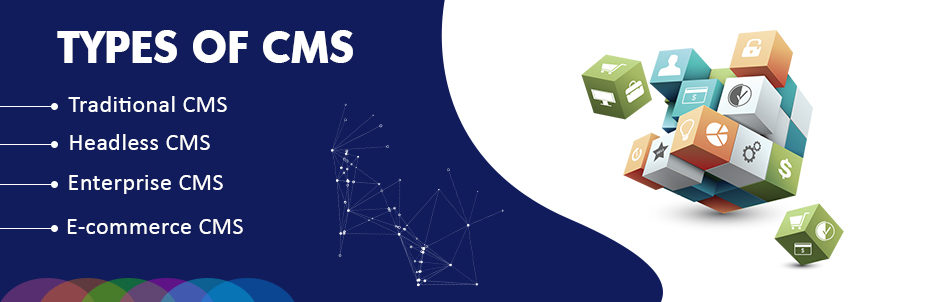
Traditional CMS – The examples are WordPress, Joomla, and Drupal that are closely coupled to the frontend and backend.
Headless CMS – Contentful and Strapi separate the content management backend from the presentation layer and offer greater flexibility.
Enterprise CMS They are applied to big businesses, due to more sophisticated content personalization and automation functionalities. This is exemplified through solutions such as Adobe Experience Manager and Sitecore.
E-commerce CMS Designed especially for an online store, the best representation is platforms such as Shopify, Magento, and WooCommerce, each of which carries its own set of e-commerce-specific functionalities.

Best CMS Solutions
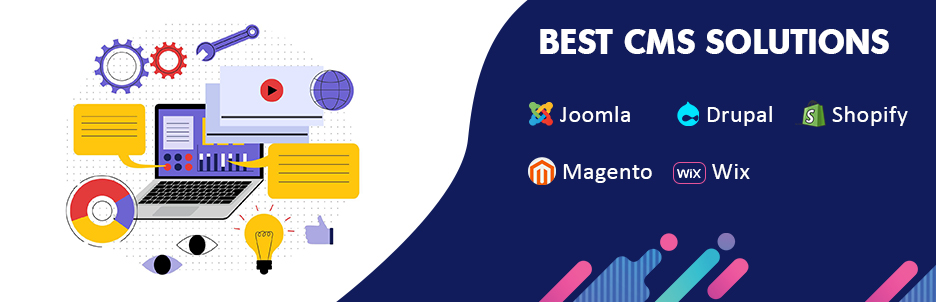
WordPress This is the most popular CMS application running over 40% of websites. Its flexibility can be described using themes and plugins.

Joomla – Highly flexible CMS with advanced user management features for complex websites.
Drupal – High security and scalability, widely used by government and enterprise websites.
Shopify – Top e-commerce CMS, user-friendly interface, and payment options integrated into the website.
Magento – Powerful e-commerce CMS for large-scale online stores with high customization capabilities.
Wix – Drag-and-drop website builder simplifying content management for beginners.

How to Select the Right CMS?
When selecting a CMS, consider the following factors:

Ease of Use-Select a platform that relates to your technical skills.
Customization Options– Themes, templates, and plugins/extensions.
Features of SEO-Ensure support from the CMS to help in on-page optimization.
Security– Upgrade for the type of updates the CMS gets. It should have round-the-clock support.
Scalability– The CMS should support the growth of your business and evolving needs.

This includes the costs of pricing structure and other over-and-above charges like hosting and premium plugins.

Conclusion
A CMS makes content management easy for a user, independent of his knowledge of technology. This can run from small business owners and bloggers to running big enterprises; getting the right CMS is important for the success of your website. Knowing the kinds and features make you decide among one and the other best-suited for your needs and goal.

Posted on — Leave a comment

WordPress Development

Blog-main-1

In the sphere of web development there is WordPress. A blogging tool that has now transformed into a full-fledged content management system (CMS), WordPress now powers more than 40 percent of the websites on the planet. To summarize, no matter if you need a personal blog or an e-shop or company’s Web site, WordPress contains all the required elements and options.

Beginning with the basics of WordPress development up to which level one can modify his/her site to offer great performance to the users; this blog will offer all the details.

1. Why Choose WordPress?

Let’s first discuss why WordPress is the favourite platform for both developers and business people before we move on to the actual development process:

    1. Open Source: WordPress is free and open-source, so you have the full power to make it your own.
    2. User-Friendly: It’s very easy for beginners and no coding experience is needed although developers can use advanced coding for customizations.
    3. SEO-Friendly: WordPress is a platform created with SEO in consideration, so you can design your web pages without any hassle and they will be SEO encouraged.
    4. Extensive Plugin Library: With a library of over 58,000 plugins, you can enrich your website to almost any extent purpose whether it be e-commerce, social media, or analytics.
    5. Responsive and Mobile-Ready: WordPress themes and plugins are designed to ensure that your website is compatible with all devices and looks great.

2. Getting Started with WordPress Development

Here’s a step-by-step guide to getting started with WordPress development:

Step 1: Choose a Hosting Provider and Domain
Furthermore, a site without a home looks strange. A big brand hosting services provider (think Bluehost, SiteGround, or even WP Engine) will be necessary for you. It is best to pick your domain name that conveys your business or the brand you own.

Step 2: Installing WordPress
One-click installation of WordPress is a very common feature among hosting companies. Thus, it takes very little effort to pass great bye and run the whole thing. After the installation process, you will see the WordPress dashboard where you can manage your site.

Step 3: Choose a Theme
A theme is the type of foundation that your website’s design is. WordPress has plenty of free and paid top themes that cover all industries. You can either install a theme straight from the WordPress Theme Directory or get it from different marketplaces like ThemeForest or Elegant Themes

Step 4: Installing Essential Plugins

  1. Plugins are one of such approaches you can use to extend the capabilities and in effect, introduce additional constituents into the WordPress site. These are some of the essential plugins that every site should have:This article covers the most useful plugins, which each person needs to add to the site:
  2. Yoast SEO: The website aiming to be among the first ten on the google website search.
  3. WooCommerce: All right then, let me assume that today you find yourself in desperate need of an e-shopping site. WordPress remains the choice of a CMS and WooCommerce is the plugin which will unleash the store.
  4. Elementor: In fact, there is a page builder in the stage of development through which one can simply drag n drop his pages into layout like these.
  5. Wordfence: When setting up the rules, a number of different stakeholders/agencies may demand more securities to be placed in the system than are initially available.
  6. Contact Form 7: This is among the best and simplest plug-ins that enable one to develop a contact form on the website without stress.

Step 5: Customize Your Website
The WordPress Customizer means you can change your site’s look by customizing it by changing your logo, colors, fonts, and more. In addition to editing your theme files, you can also create a child theme that makes it possible to avoid overwriting changes when updating your software if you know HTML, CSS, and PHP.

3. Developing Custom Themes and Plugins

The developers who use WordPress are like a child in a playground full of options. Here’s how you can take your site beyond pre-built themes and plugins:

Creating a custom theme gives you the opportunity to make it look and feel exactly how you want it to be. Start with writing the necessary files such as style.css and index.php, and then structure your site using the PHP and HTML.

WordPress has a theme hierarchy, which means you can have different template files for different types of content, like posts, pages, and archives. You will employ the WordPress Loop for Dynamic Content, which scans through each of the posts and displays the content.

Plugins allow for custom functionality on WordPress sites. To build your own, first create a new folder in the wp-content/plugins directory and add your plugin files. Plugins on WordPress are programmed in PHP, and they work along with the WordPress Core API in order to make the site more functional. To illustrate, you might design a plug-in that allows you to customize a post type, connect to an API, or add advanced features to an e-commerce site.

4. Best Practices for WordPress Development

  • The best practices, regardless of whether you are a complete newcomer or a pro wizard in the web development area, will render your website fine-tuned, trouble-free, and easily maintained.
  • Follow coding standards: WordPress project outlined coding standards for PHP, HTML, and CSS languages. These are useful in making your code readable, thus preventing you from making mistakes when you need to update or add a new feature.
  • Child Themes: The very first thing one should bear in mind when editing the parent theme is to save all his modifications done so far in a new child theme created by him. This way, any modification doesn’t get trumped from an update of the parent theme. Of course, keep your site as fast as possible. Check-in with caching instruments such as WP Super Cache or W3 Total Cache. REDUCE image size when using them.
  • Prioritize security: It is an integral part of your business. Add security protocols like two-step verification, continuous improvement, and way of data recovery. Furthermore, there are several plugins available that help you to monitor as well as securing your site, which includes iThemes Security.
  • Mobile-Friendly: Since most of the users usually come from mobiles, it’s high time to develop mobile-friendly websites. Thus, make your WordPress site responsive and pretty well designed for mobile devices.

5. WordPress SEO Optimization

  • WordPress, because of its nature, is SEO-friendly. However, a few tweaks will take you to the next level, including:
  • Use an SEO plugin: Make use of plugins like Yoast SEO or Rank Math; these will go a long way in guiding you with on-page SEO elements like meta tags, title tags, and even the creation of XML sitemaps.
  • Optimize Permalinks: Avoid using default URLs; instead, you could use SEO-friendly ones which you are able to set via Settings >> Permalinks by changing the structure to post name.
  • Structural Content: Establish the content with headings such as H1, H2, H3, etc., to make the material search-engine and user-friendly. Responsive Mobile: The full responsiveness of your website will help attain the highest ranking in Google’s first mobile index.

Conclusion

WordPress development gives endless possibilities of dynamic and custom website development for everything a business may need. Whether it is the first blog or another development task, flexibility together with a great community and resources makes WordPress the perfect platform for modern web development.

The skill of mastering WordPress development will take you into making a website that will not only be developed on what you have in mind but also grow as big as it should be.

Posted on — Leave a comment

Laravel

Introduction to Laravel : A Modern PHP Framework :-  PHP has emerged as one of the most necessary components of the world that is used for dynamic websites and applications. Laravel PHP framework is one of the most wanted tools for developers to write strong, scalable, and efficient web applications based on PHP. Worried whether you are the new bee in web development or a chizzle veteran, Laravel offers you the quickest path to common tricks in web development. In this blog, we will examine what Laravel is, among other things its key features, and how it compares with the rest of the PHP frameworks.


What is Laravel?
Laravel is a free open-source PHP web framework which was created by Taylor Otwell in  2011. It conforms to the Model-View-Controller (MVC) architectural design paradigm that splits business logic and presentation. Laravel’s clean syntax and embedment of developer tools are the reasons why the developer can make web applications up to 3 times faster and 40% lighter than the traditional PHP development.

Laravel, at its root, tries to systematise parts that are bothersome as the developers wouldn’t like to do such as the routing, authentication, session management, and caching tasks. Now, apart from its pre-built functions and the flexibility of the development, the fact that it is equally convenient for both small projects and large enterprise applications makes it a rather compelling choice.

Key Features of Laravel :- Laravel feature has some simple and yet powerful features that make the process of web development easier. Some of the key features of laravel are enlisted below:

1. Eloquent ORM (Object-Relational Mapping) :- LARAVEL’S ELOQUENT ORM is the execution of an active record for interaction with the databases. The Eloquent ORM facilitates some really expressive and intuitive ways of interactions related to database objects and relationships. As Eloquent ORM abstracts all complicated SQL queries, it ensures that interaction with the database would be as effortless as possible hence efficient.
Example Retrieve users using Eloquent ORM : $users = User::where(‘active’, 1)->get();

2. Blade Templating Engine :- The Blade is the lightweight templating engine of the Laravel application, which allows for dynamic layouts. This allows you to include some logic into your views while keeping the templates clean and free of clutter. More so, many control structures and template section inheritance are built into Blade.
{{– Blade Example –}}
@extends(‘layouts.app’)
@section(‘content’)
<h1>Hello, {{ $name }}!</h1>
@endsection

3. Routing :-  
Routing in Laravel is quite straightforward, and you can define application routes in any number of ways either through controllers or through closures. The routing engine is very flexible to allow everything from simple page routes to complex RESTful APIs.
Example: Defining a route in Laravel
Route::get(‘/users’, [UserController::class, ‘index’]);

4. Artisan Console :- Artisan is basically a CLI, meaning Command Line Interface, in Laravel. It provides you with a set of very powerful commands that can be very important in accelerating some of the development process. In a nutshell, Artisan lets you automate repetitive tasks, generate boilerplate code, run your migrations, and much more. However, the best thing is that you can even write custom commands using Artisan.
php artisan make:model Product –migration

5. Middleware :-  Middleware in Laravel is a feature that helps developers filter incoming HTTP requests to the application. It is generally used for handling authentication, logging, and CORS.
example of middleware in Laravel
public function handle($request, Closure $next)
{
if (!$request->user())
{
return redirect(‘login’);
}
return $next($request);
}

6. Database Migrations and Seeding :-  
With the Laravel migration, you can easily track the version control of schema for your database because, with migrations, it becomes easy to change and share database structures from one environment to another. Another thing is seeding the database. It helps you seed your database with test data. The Laravel system has made authentication relatively easy for the users by developing an in-built system. This feature automatically allows easy and convenient means for establishing login, registration, password resets, etc. Easy access control across the application is ensured by authorization gates and policies.

7. Task Scheduling :-  Laravel has a very powerful scheduler which lets you easily define and manage cron jobs by using the schedule method inside your console commands. All routine jobs like emailing, report generation, or cleaning up cache become matters of automation.

Example: Task scheduling in Laravel
$schedule->command(’emails:send’)->daily();

Why Laravel :-  
Very few frameworks have as huge a following as Laravel. This can be attributed to the simplicity combined with power that makes it one of the most suitable choices for developers and business firms. Here are some reasons why developers and businesses prefer Laravel :

Community and Ecosystem :-  Not only is there an incredibly big, active community that contributes to its ever-growing ecosystem, but also packages such as Laravel Cashier for subscriptions, Laravel Scout for full-text search, or Laravel Horizon for managing queues offer extended functionality without reinventing the wheel.

Documentation :-The documentation of Laravel is highly informative and newbie-friendly, hence easy to learn even for new developers and a good resource even for long-time developers.

Security :- The framework contains built-in features such as password hashing, CSRF protection, and input validation that protect your application against various kinds of vulnerabilities.

Performance :-Featuring such aspects as caching, query optimization, and session management, the applications built on Laravel may always be optimised so that they could work very efficiently, even on a large scale.

Conclusion :-  Laravel is not only a PHP framework but a suite of modern web development tools that presents us with clean syntax and growing tools, along with the ecosystem of Laravel. By this and its configuration, Laravel builds more scalable, secure, easier-to-build web applications than ever before. Whatever the list of small, personal, or even enterprise-level applications may include, the power and flexibility of Laravel can get it all done.